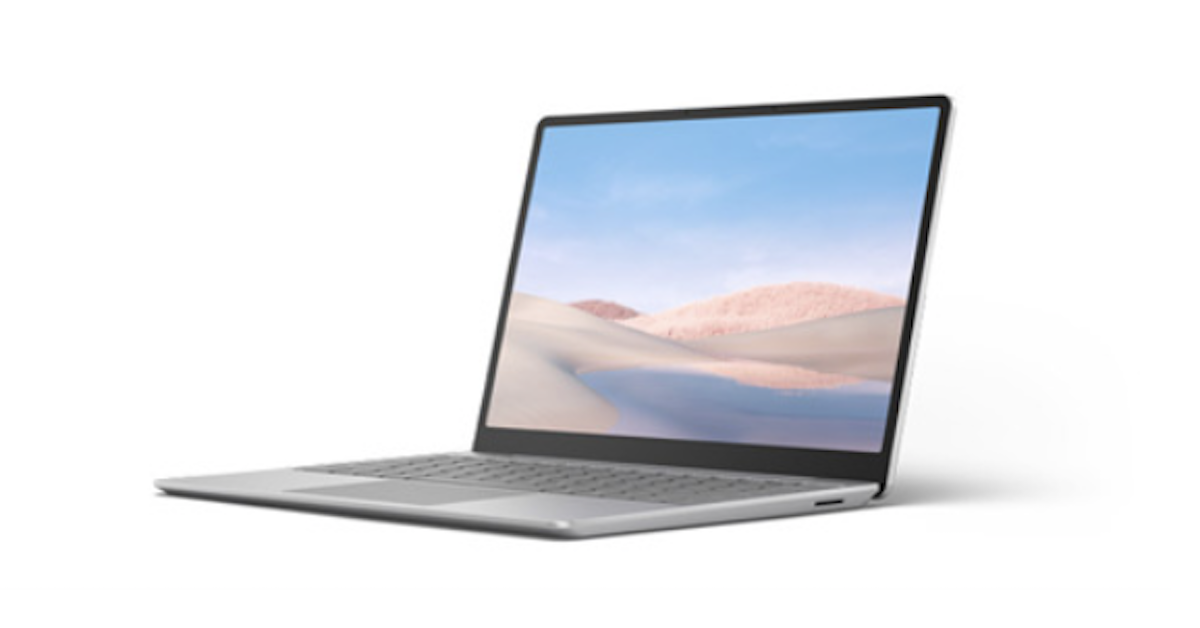
This Microsoft web page allows you to interactively compare Surface computers for your business. Choose from models that are ideally suited for portability, power, connectivity, and/or economy, then compare specifications including processors, screen resolution and weight. There is a Surface computer that's a perfect match for every person on your team. For more information, contact Coretechs today.
How do I choose the right Surface for my team?
Microsoft makes it straightforward to evaluate different Surface for Business devices side by side. You can use the Surface comparison tool to compare up to three models at once. The tool lets you line up key specs such as:
- Processor options (Intel or Snapdragon)
- Graphics capabilities
- Screen size and resolution
- Weight and overall portability
- RAM and storage configurations
This helps you match devices to roles—for example, a more powerful clamshell laptop for developers or analysts, and a lighter 2‑in‑1 for sales or field teams.
Keep in mind that features and availability can vary by market, so it’s worth checking local configurations and colors. Authorized Surface resellers can also help you plan, buy, deploy, and manage devices across your organization.
Surface Laptop vs. Surface Pro for Business
The main difference is in the design and how people prefer to work:
- Surface Laptop for Business – A traditional clamshell laptop with 13.8-inch or 15-inch displays, available with Intel or Snapdragon processors. It’s a good fit for employees who want a familiar laptop experience with a fixed keyboard and a larger screen.
- Surface Pro for Business – A 2‑in‑1 detachable tablet that converts into a laptop with a keyboard. It offers a 13-inch display and delivers a full PC experience in a lighter, more portable form factor. It’s well suited for people who move between meetings, travel frequently, or need tablet-style flexibility for note-taking and presentations.
Both lines are designed to help companies reimagine device lifecycle and sustainability. Recent Surface Laptop and Surface Pro for Business models:
- Use recycled materials in the device enclosure and packaging
- Are built for repairability with replaceable components via commercial resellers
- Focus on energy efficiency and all-day battery life (for example, up to 20 hours of local video playback on the 13.8-inch Surface Laptop and up to 22 hours on the 15-inch model in Microsoft tests)
If your teams value a classic laptop feel, Surface Laptop is likely the better choice. If they need tablet-to-laptop flexibility and maximum portability, Surface Pro is typically a stronger fit.
Surface for remote and hybrid work
For remote and hybrid work, look for Surface for Business models that combine AI performance features with enterprise-grade security. Several current devices are designed with this in mind, including:
- Surface Laptop for Business (13.8-inch and 15-inch, Intel)
- Surface Laptop for Business (13.8-inch and 15-inch, Snapdragon)
- Surface Pro for Business (13-inch, Intel)
- Surface Pro for Business (13-inch, Snapdragon)
These devices offer:
- Built-in AI experiences to support smoother workflows and modern workloads
- Long-lasting battery life for full days of remote work (for example, up to 13–15 hours of web browsing on the latest 13.8-inch and 15-inch Surface Laptops in Microsoft tests)
- Enterprise-grade security to help protect endpoints and simplify device management
- Durable yet lightweight designs using rugged materials such as aluminum alloys and recycled rare earth metals, which helps extend device lifespan and support sustainability goals
AI-enabled Surface for Business devices help organizations reimagine how teams collaborate and stay productive from anywhere, while IT retains control over security, manageability, and device lifecycle.




 Sign in with LinkedIn